

AEC technology consulting / BIM, data, automation, and project control
BIM, data and automation for construction project control.
We help AEC teams coordinate models, automate Revit, and turn construction information into Power BI dashboards.
ColombiaUnited StatesBahamasMexicoChileDominican Republic
Since 2018 USA, Colombia, Bahamas and LATAM Power BI dashboards Revit automation BIM coordination Architectural visualization
From BIM models to construction intelligence
From BIM models to project decisions
First structure the information; then connect it with automation, dashboards, and project decisions.
-
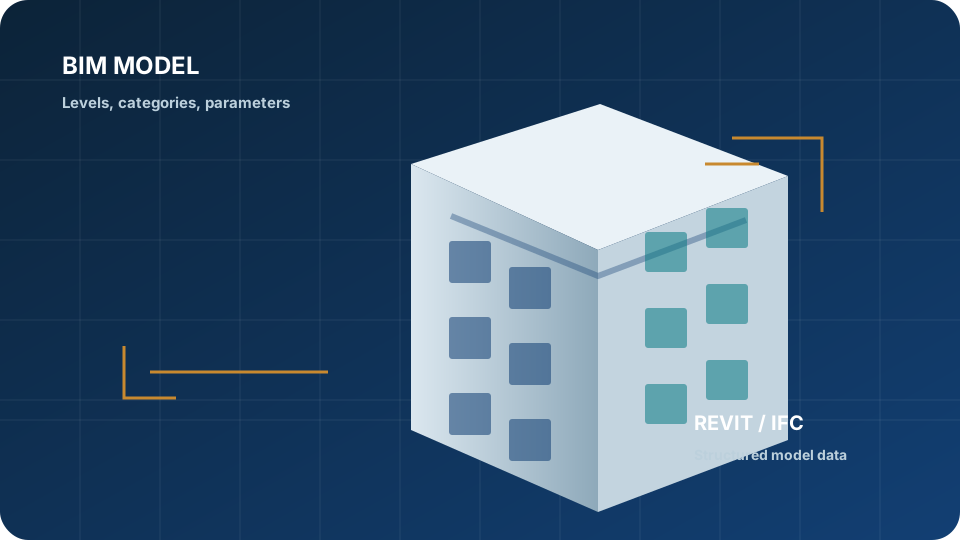 01 BIM Models
 -
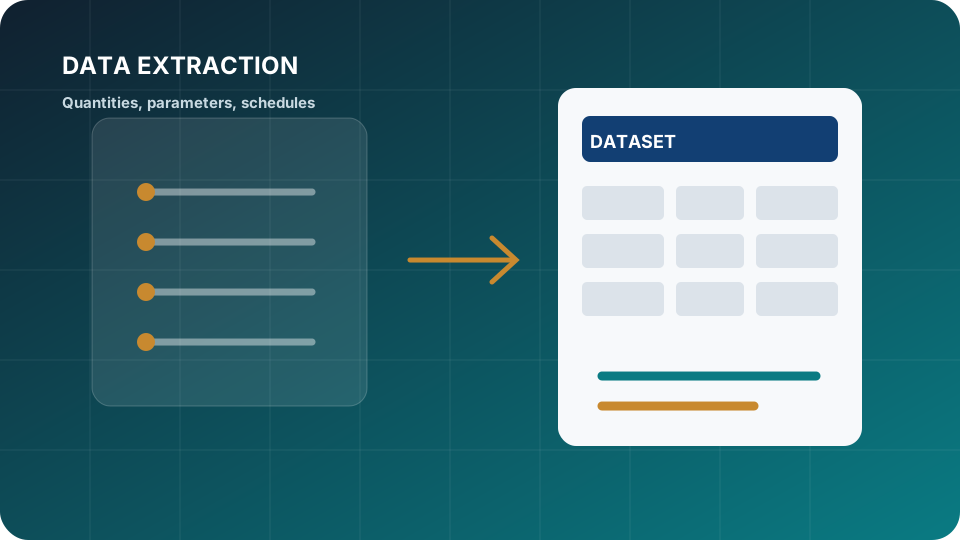 02 Data Extraction
 -
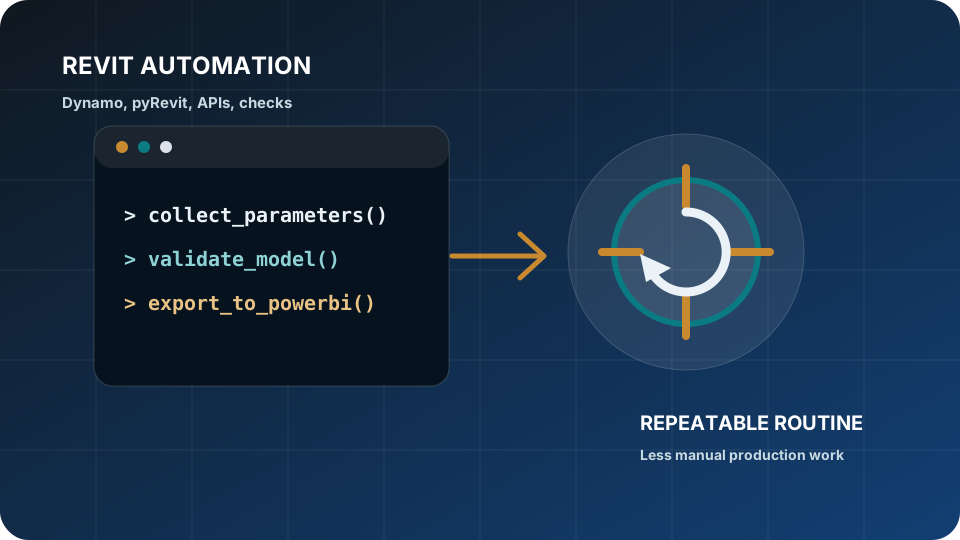 03 Automation
 -
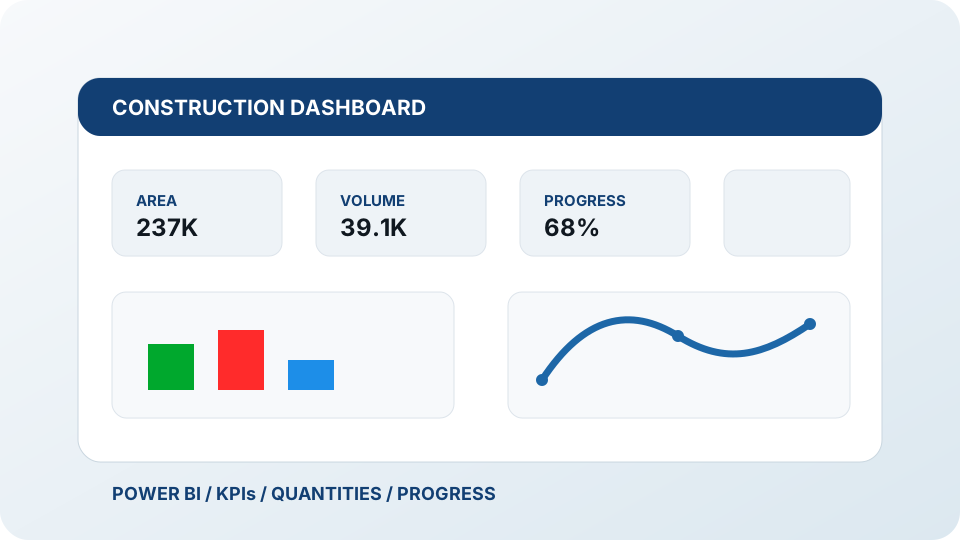 04 Dashboards
 -
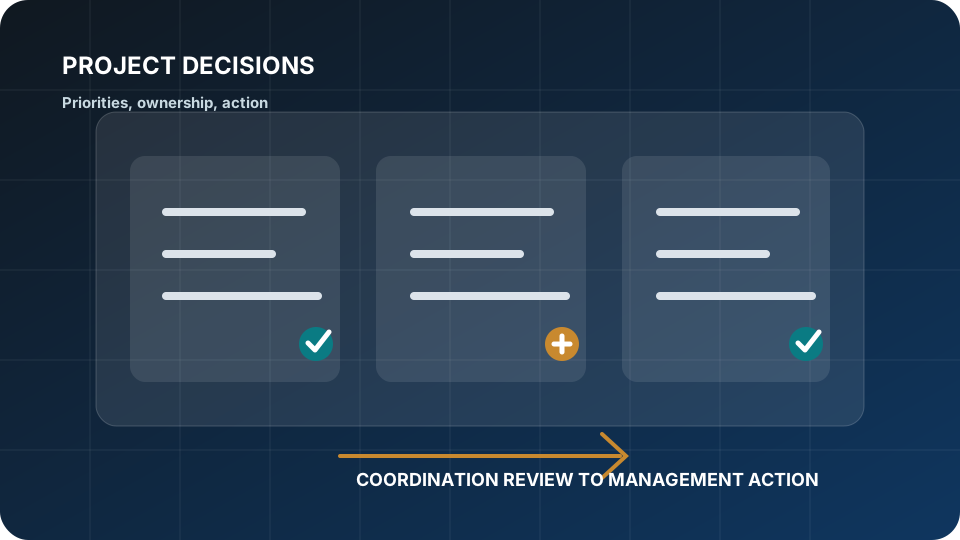 05 Project Decisions
Clients
Trusted by AEC, real estate, construction, and development teams since 2018.
Horizun Group supports clients across BIM, visualization, dashboards, automation, project controls, and technical enablement for AEC and real estate workflows.
2018 Operating since
+20 Bilingual technical professionals
6 Markets served across the Americas


















BIM Management, coordination, modeling, quality control
DATA Power BI, project controls, cost and schedule visibility
AUTO Revit, Dynamo, pyRevit, repeatable production workflows
AI Practical pilots, governance, and technical adoption
What we help you solve
Less disconnected files. More coordinated information for decisions.
Horizun focuses on the gaps that slow down BIM delivery, project control, and executive reporting.
Model information is not decision-ready
Models, schedules, and quantities need structure before reporting.
Coordination produces noise
Clash lists need ownership, status, and risk context to become useful decisions.
Reporting depends on manual files
Teams lose time rebuilding manual reports.
Revit work is too repetitive
Parameter cleanup, exports, checks, and production tasks can be standardized.
Technology is disconnected from delivery
Tools create value when tied to decisions and routines.
Adoption stops before delivery
Teams need BIM, data, automation, and control routines that are easy to maintain.
Visual proof
Dashboards and technical workflows clients can actually use.
Horizun work is strongest when BIM, schedules, quantities, issues, and field information become structured dashboards and repeatable delivery routines.
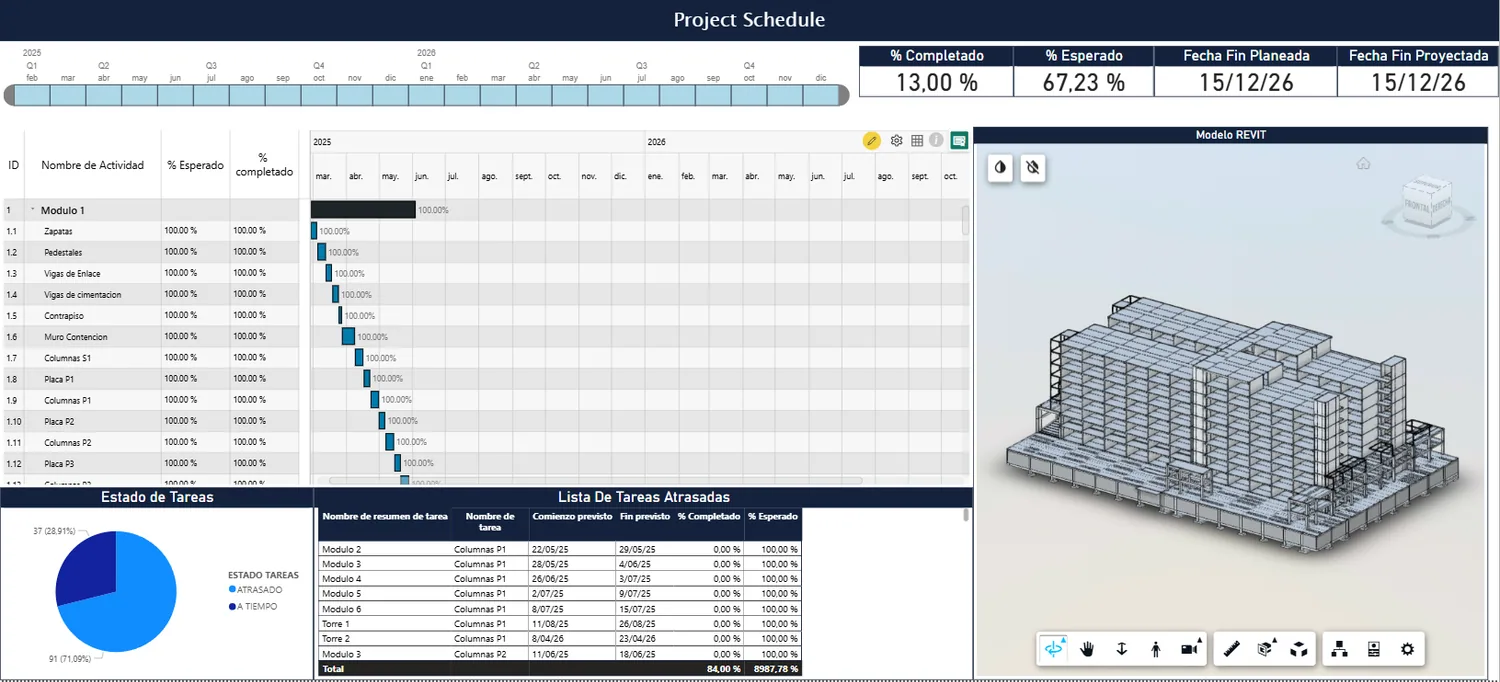
Construction Progress Dashboard
Progress, quantities, and schedule status are usually reviewed in separate files.
ScheduleQuantitiesPower BIPower Query
Explore dashboard services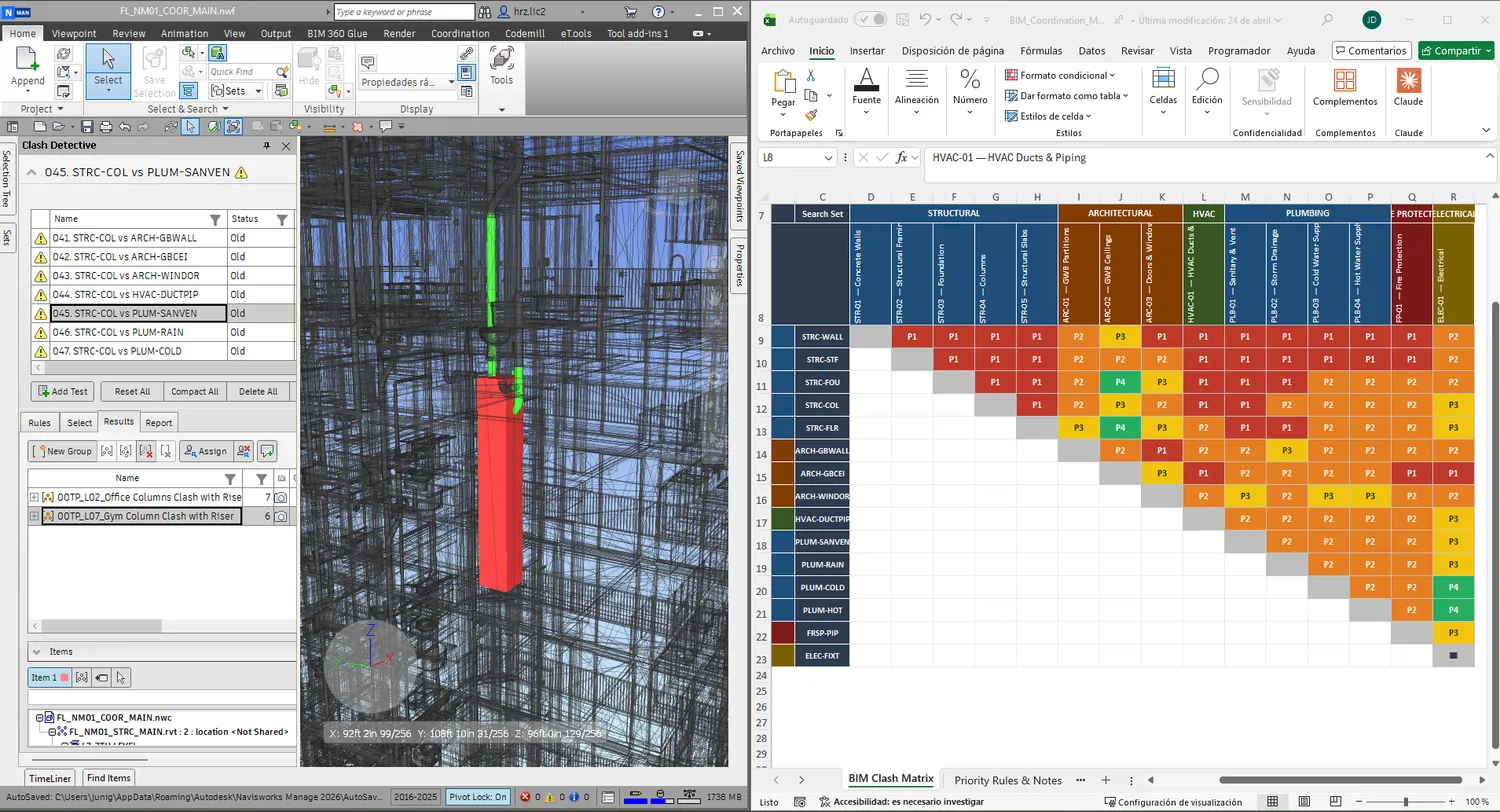
BIM Coordination Issues Dashboard
Clash reports become long lists unless issue status, ownership, and priority are visible.
Federated modelsClash exportsNavisworksACC / BIM 360
Review coordination workflows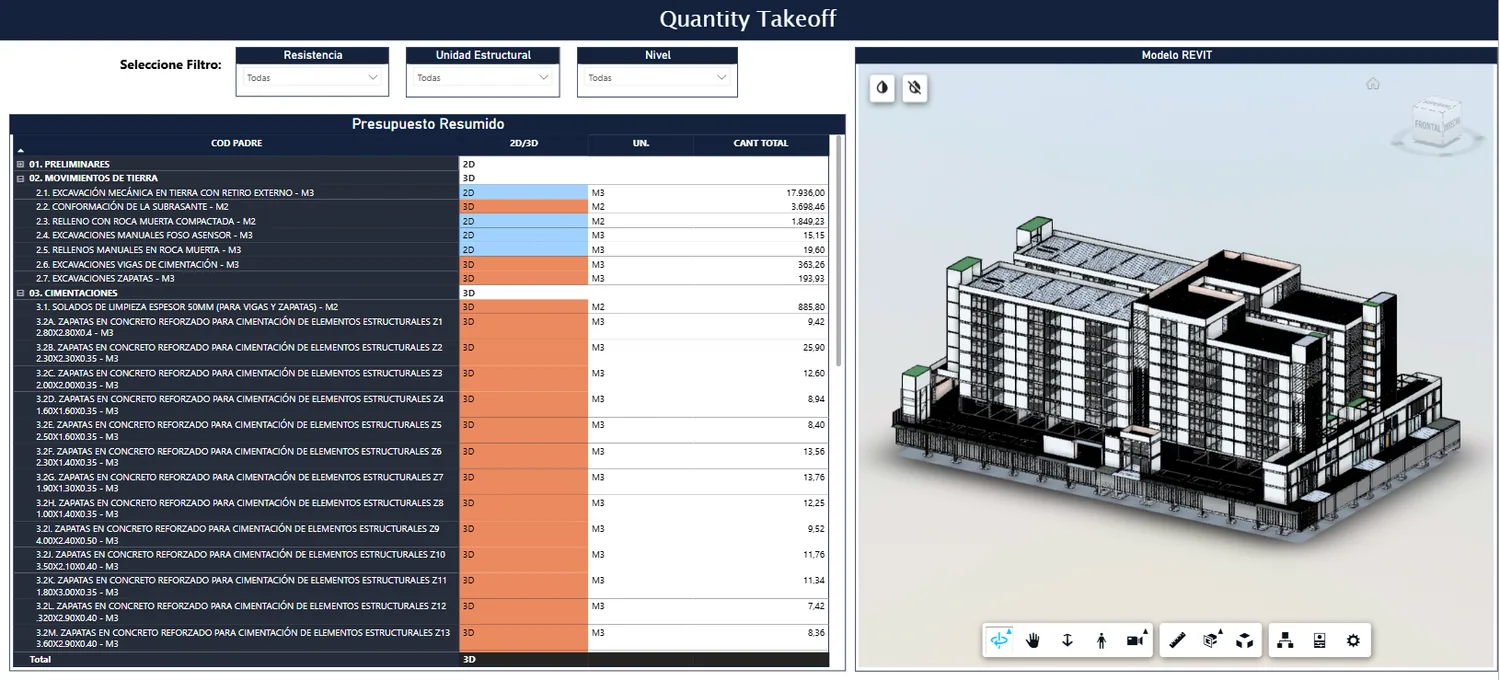
Cost and Quantity Tracking Dashboard
Cost, quantities, and model information need a shared reporting structure.
Revit parametersQuantity takeoffsRevitPower BI
View project controls Before / after
From manual reporting to connected project intelligence.
Before
- Manual Excel reports
- Isolated BIM models
- Disconnected schedules
- Static PDF updates
After
- Integrated BIM data
- Automated dashboards
- Connected coordination workflows
- Project visibility for decisions
Core capabilities
Four connected service lines, one project-information workflow.
Models, standards, coordination, and delivery control
BIM management, modeling, coordination, and model quality control.
Construction dashboards that make project information visible
Power BI dashboards for quantities, progress, cost, schedule, and BIM data.
Repeatable workflows instead of manual technical work
Revit automation, Dynamo, pyRevit, Revit API, and BIM + AI pilots.
Visual material that helps stakeholders understand decisions
Architectural rendering, BIM visualization, and presentation imagery.
Power BIM and tools
Power BIM and tools built from the same technical workflows we deliver.
Power BIM, custom visuals, and automation turn technical knowledge into repeatable systems.
Power BIM
4D/5D BIM-data workflows for construction dashboards
Power BIM connects model data, schedules, quantities, and costs into Power BI workflows teams can review and maintain.
Explore Power BIM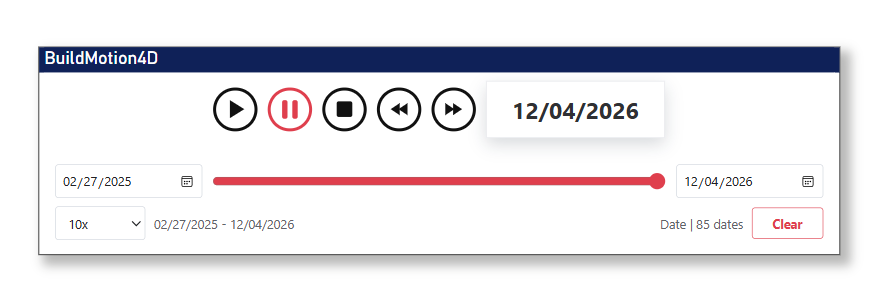
Power BI Tools
Custom visuals for technical reporting workflows
BuildMotion Timeline Axis and Excel Copy Table support construction progress, BIM reporting, and practical Power BI deliverables.
View tools Leadership and team
Led by technical execution, supported by a bilingual AEC team.
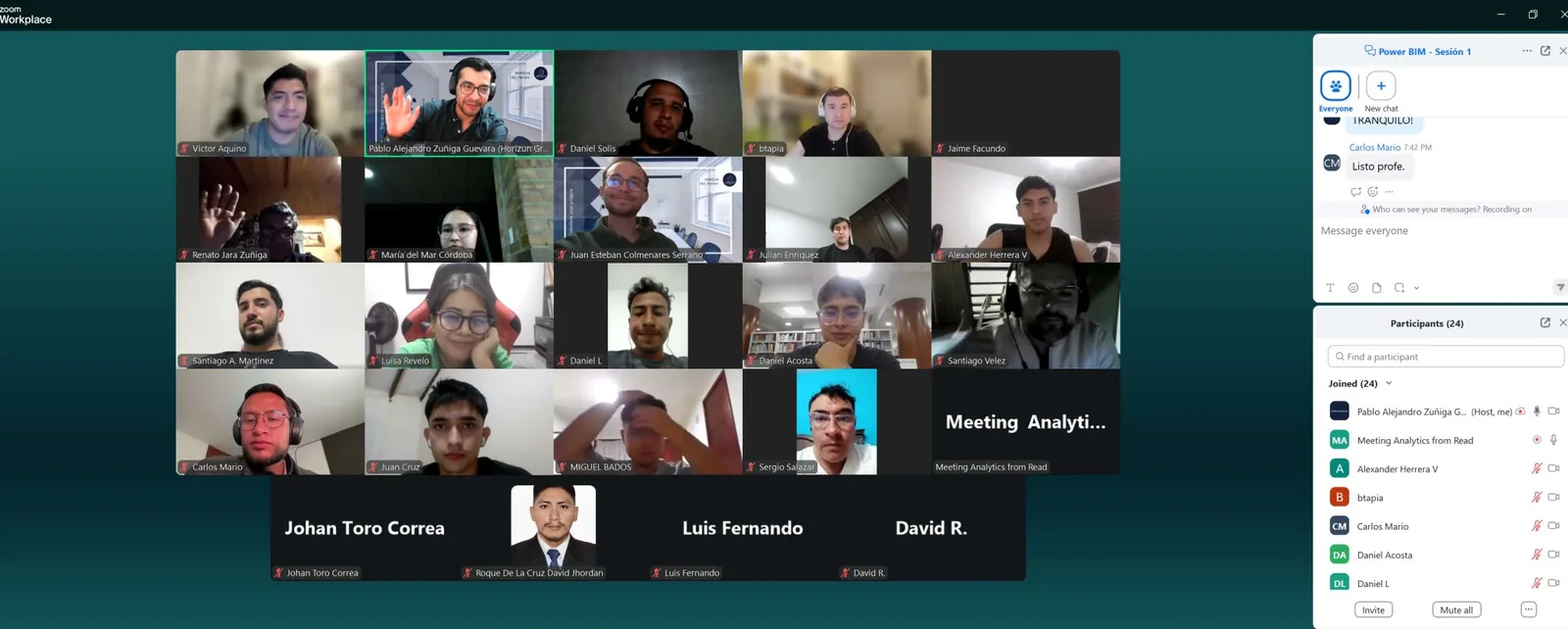
Horizun combines Pablo Alejandro Zúñiga Guevara's technical direction with a bilingual team of more than 20 professionals supporting BIM, dashboards, automation, visualization, and project-control workflows.
AEC workflows in practice
Selected BIM, data, automation, visualization, and project-control work.
A compact view of how Horizun connects models, data, coordination, and visuals for AEC delivery.
View experience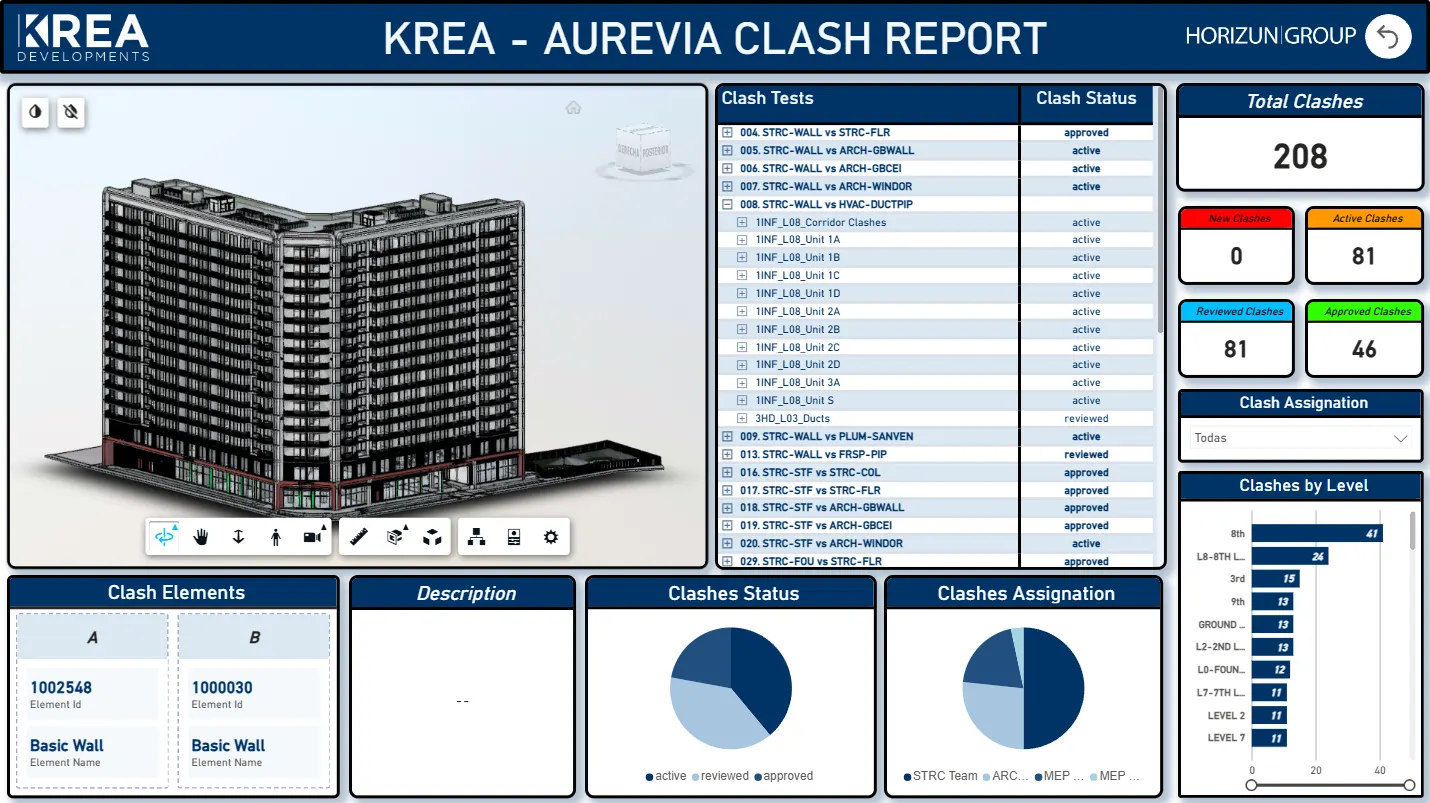
BIM Coordination and Reporting
Model review, clash status, responsibilities, and technical reporting organized for coordination meetings.
- BIM Coordination
- Model Review
- Issue Reporting
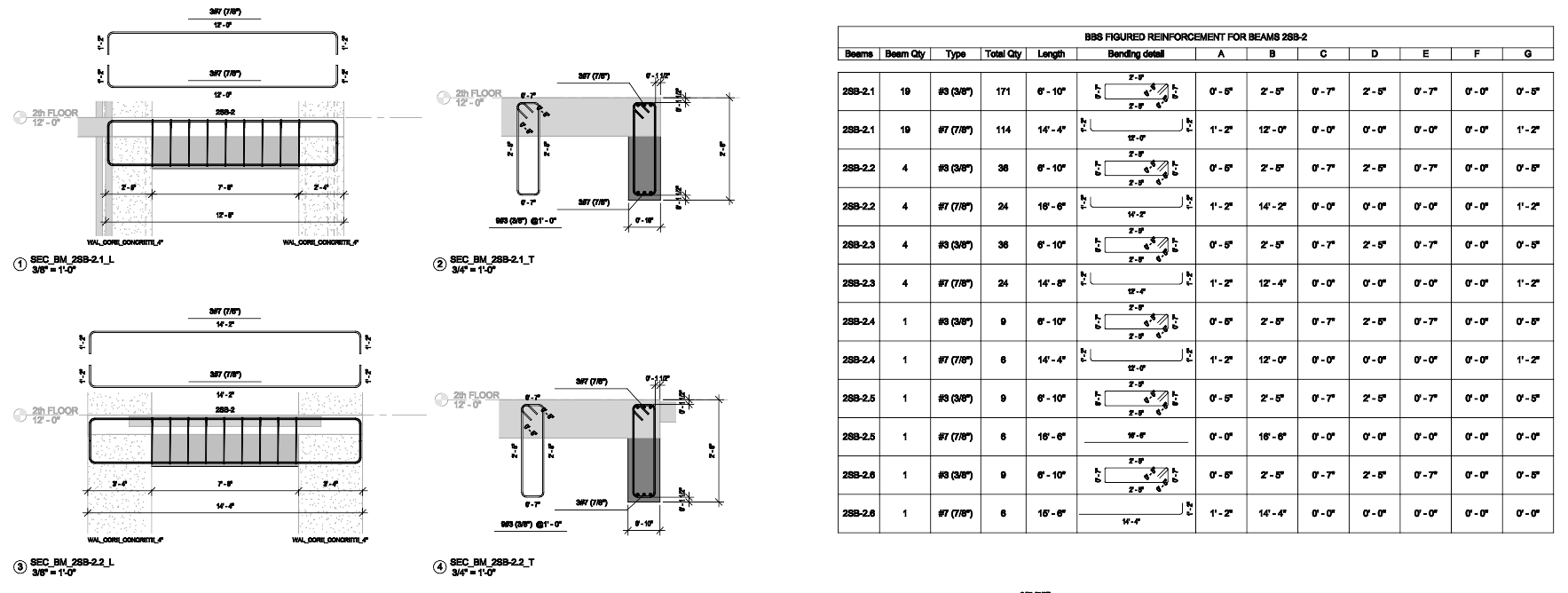
Detailed Structural BIM Modeling
Reinforcement modeling and shop drawing information prepared for review, quantities, and construction documentation.
- Structural BIM
- Revit Modeling
- Shop Drawings
Construction Dashboards for Project Control
Power BI dashboards for quantities, progress, schedule context, and model-based project information.
- Power BI for Construction
- Project Control
- Data Visualization
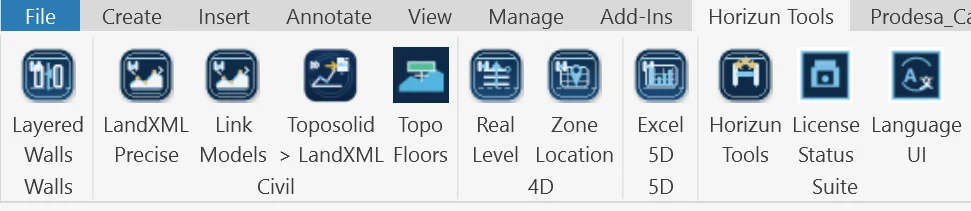
Revit Automation for BIM Data Workflows
Custom routines and Revit tools used to standardize model data and reduce repeated production work.
- Revit Automation
- pyRevit
- Dynamo
Automation, visualization, and adoption
Technical execution supported by reusable workflows and practical enablement.
Revit automation, BIM + AI, and visualization are delivered as practical service lines.
Real estate developers
Investor-ready reporting, design communication, and cost and schedule visibility.
General contractors
Coordination, constructability tracking, production support, and control dashboards.
Architecture and engineering firms
BIM standards, model quality, Revit automation, and documentation support.
Infrastructure teams
Model-based planning, quantities, dashboards, and multidisciplinary coordination.
Owner representatives and PMOs
Visibility across progress, risk, schedule, cost, and portfolio reporting.
Construction technology teams
Practical evaluation of BIM, automation, AI, Power BI, and Autodesk workflows.
Technical stack
Tools used to connect BIM execution with project control.
BIM and coordination
RevitNavisworksACC / BIM 360IFCSpeckle
Data and reporting
Power BIPower QueryDAXExcelSharePoint
Automation
DynamopyRevitRevit APIAPIsData extraction
Adoption
Power BIMBIM Para TodosAI workflowsEnablementDocumentation
Next step
Bring BIM, data, and project controls into one practical delivery plan.
Share your project context, current systems, and the decision you need to support. We will respond with a focused conversation, not a generic sales script.