Power BI visuals for technical construction workflows.
Horizun develops practical Power BI tools for teams that move between dashboards, Excel deliverables, BIM visuals, and construction progress reporting.
AEC reporting products
Small tools for recurring dashboard bottlenecks.
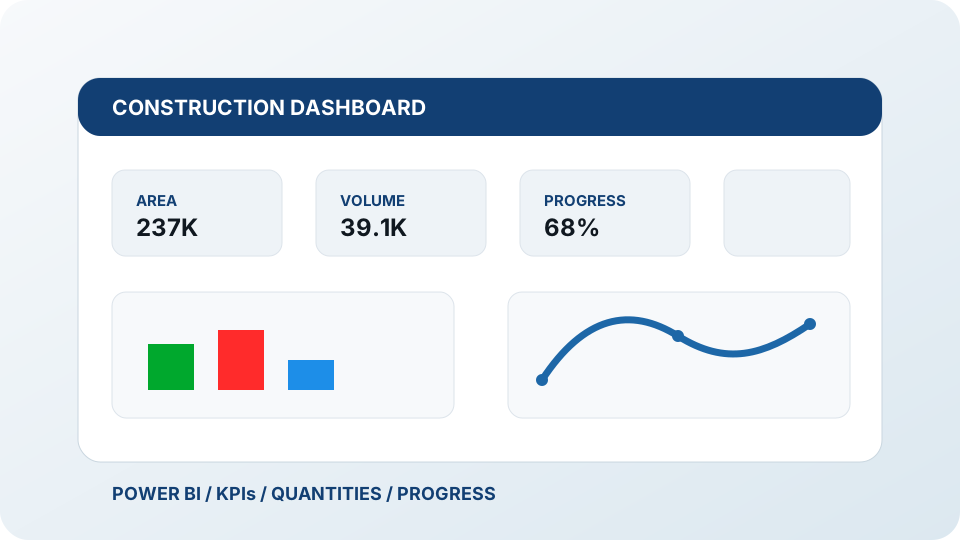
The visuals support recurring reporting needs: progress over time, clean table transfer, and less manual cleanup between Power BI, Excel, and BIM-based project control.
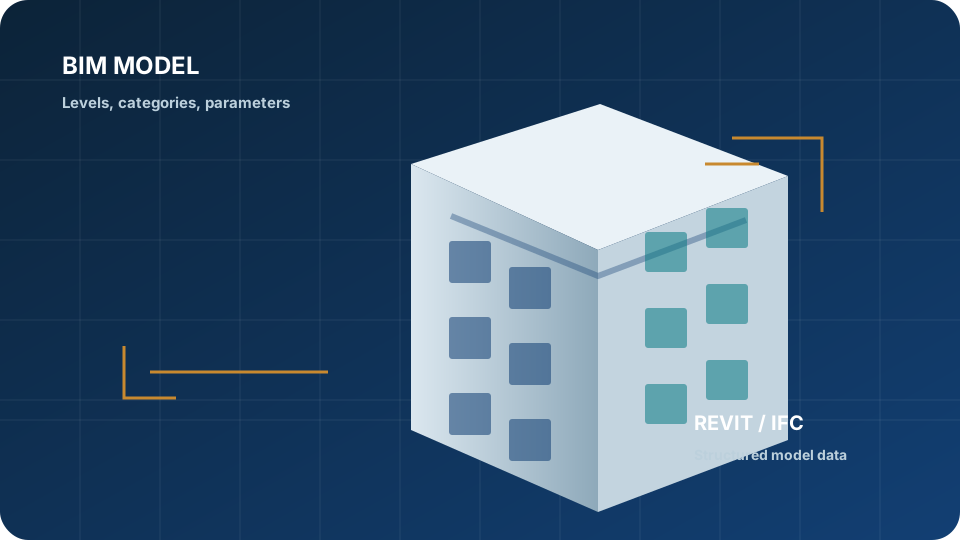
Model + timeline + KPI workflow
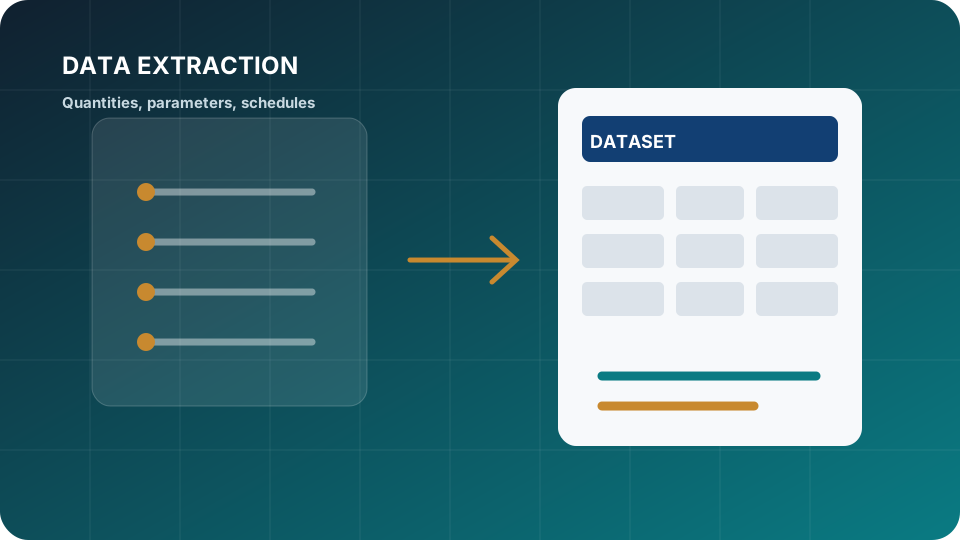
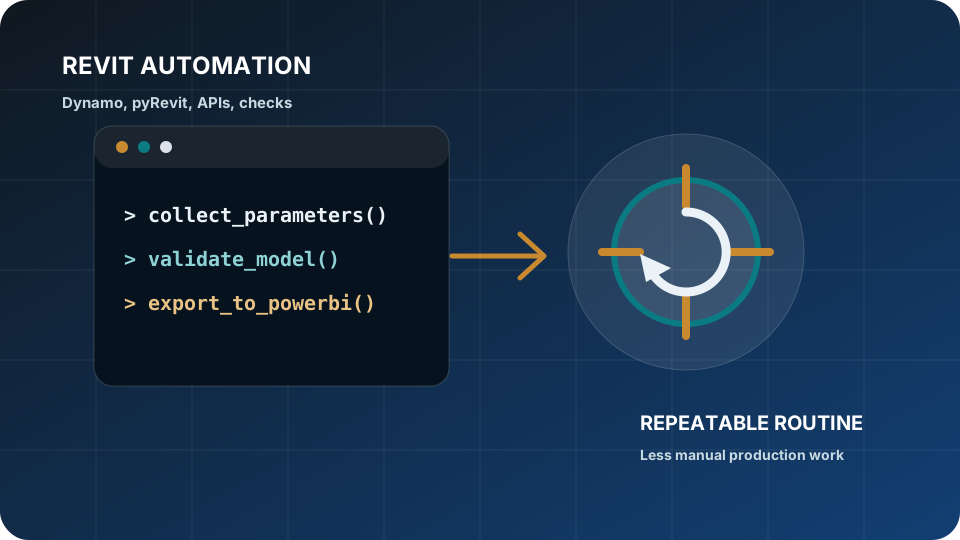
Power BI tools extend the reporting workflow around BIM, schedule, and tabular data.
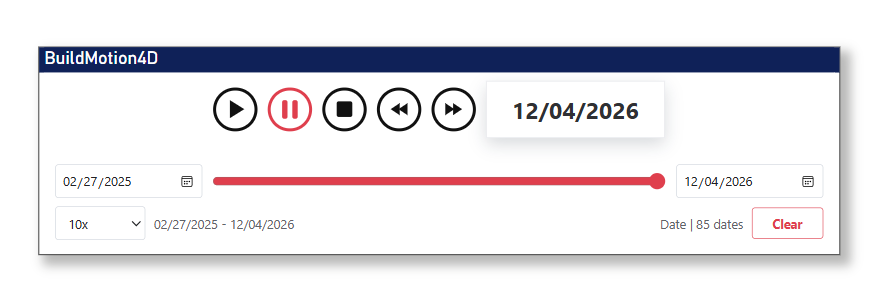
BuildMotion supports timeline-driven reporting, while Excel Copy Table supports cleaner table transfer when Excel deliverables are still part of the process.
01BIM model
02Schedule
03BuildMotion timeline
04KPIs and tables
05Power BI report
Power BI to Excel
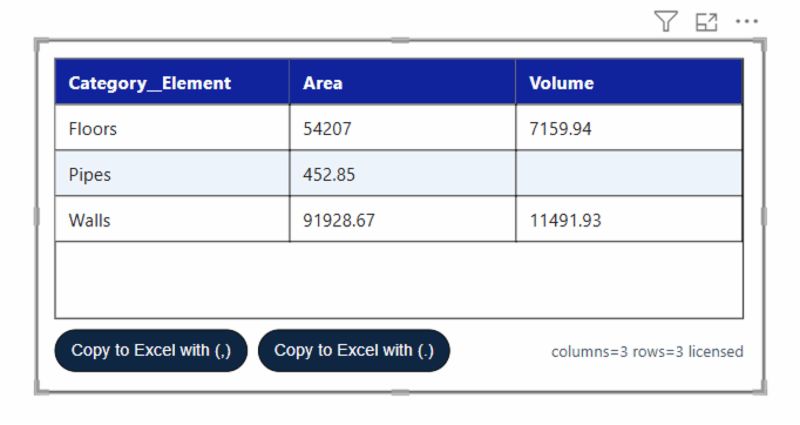
Excel Copy Table
Copy Power BI tables into Excel with cleaner structure, decimal separator control, and less manual cleanup.
Install the visual in a Power BI report and test it with your own report structure before purchasing.
02
Validate the reporting use case.
Confirm whether the visual supports the table, timeline, dashboard, or project-control behavior your team needs.
03
Move to the paid version or request support.
Purchase through PayPal or discuss a dashboard implementation with the Horizun technical team.
FAQ
Common questions about Horizun Power BI visuals.
What are Horizun Power BI tools for?
They support specific reporting workflows where AEC teams need to present BIM, schedule, progress, or table data inside Power BI.
Do I need Power BI to use these visuals?
Yes. The visuals are designed for Power BI report workflows and are distributed as .pbiviz visual files.
What is included in the trial version?
The trial version lets teams test the visual behavior before deciding whether the paid version fits their reporting workflow.
Can Horizun help implement dashboards using these tools?
Yes. Implementation support can be coordinated as part of a Power BI for construction or project-control engagement.
Product support
Tools extend the consulting work into repeatable workflows.
Trial versions help teams validate the visual before purchasing. Paid versions are handled through PayPal, and implementation support can be coordinated directly with Horizun.