Power BIM 4.0 System

4D/5D simulations with Power BI for buildings and linear infrastructure.

A technical framework for connecting BIM models, schedules, quantities, costs, and Power BI dashboards into 4D/5D control workflows.

4D/5D simulationPower BI for constructionBIM dataSchedule and costRevit, Civil 3D and InfraWorks
Model + schedule + dashboard

Power BIM connects BIM data, schedule, quantities, and visualization inside Power BI.

The goal is not to teach an isolated tool, but to build a 4D/5D control workflow that can be presented, reviewed, and maintained.
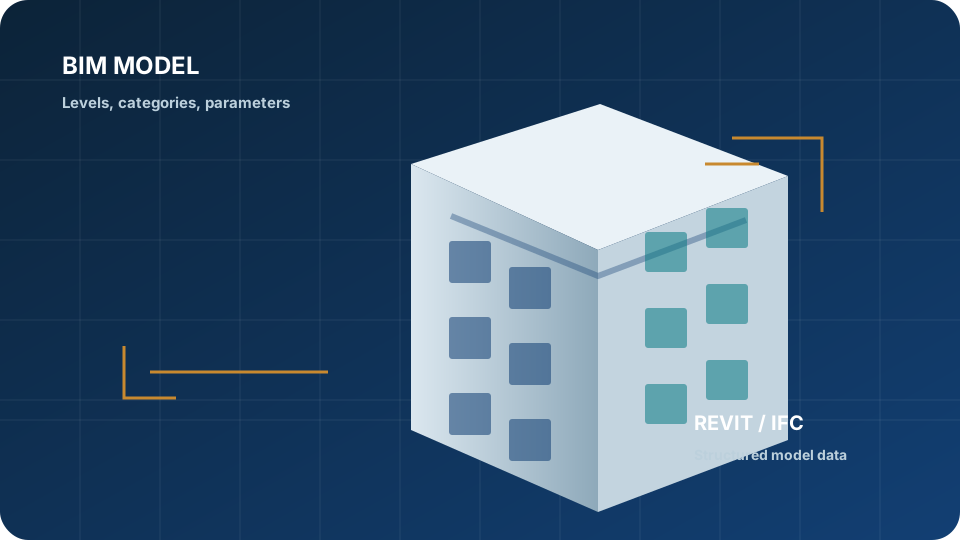
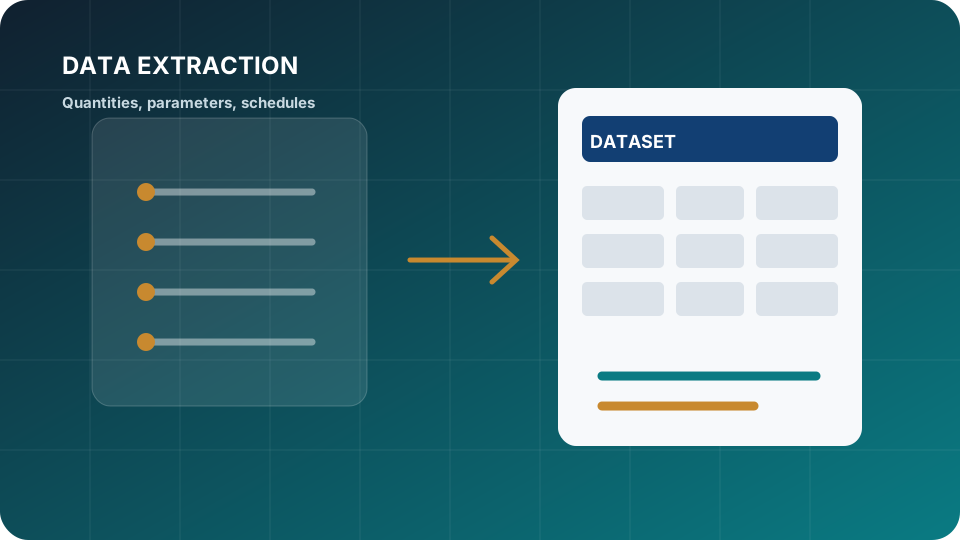
  1. 01 BIM model
  2. 02 Schedule
  3. 03 BuildMotion timeline
  4. 04 KPIs and tables
  5. 05 Power BI report
Power BI dashboards

Explore public Power BI dashboards.

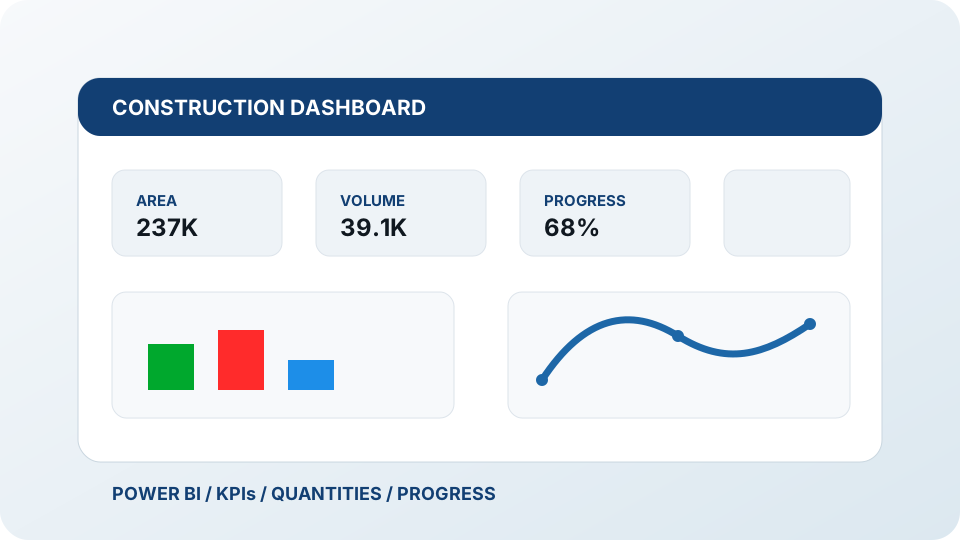
Review interactive Power BI reports as a reference for BIM data, schedules, quantities, and project controls.

Power BI dashboard 01

Explore the interactive report in this window or open it in Power BI for a full-screen view.

Open in Power BI

Power BI dashboard 02

Review report pages, filters, and dashboard behavior directly from the website.

Open in Power BI

Power BI dashboard 03

Explore an additional public dashboard with BIM visualization and project data.

Open in Power BI
Technical scope

Workflow scope

  • 4D and 5D simulations for buildings and linear infrastructure.
  • BIM data preparation for schedules, quantities, costs, and budgets.
  • Practical integration with Power BI, Revit, Civil 3D, InfraWorks, Speckle, and BIM 360.
  • 3D model quality review.
  • A final Power BI report with schedule and cost-estimation data.
Pablo Alejandro Zúñiga Guevara
Technical direction

Pablo Alejandro Zúñiga Guevara

Pablo Alejandro Zúñiga Guevara leads Power BIM from Horizun's technical experience in BIM, VDC, Power BI, automation, and project controls. The approach connects data structure, models, schedules, costs, and dashboards.

Technical framework

System modules

  1. 4D and 5D logic for construction control.
  2. Simulation workflows in Power BI using model data.
  3. Data management and visualization with BIM connectors.
  4. Linear infrastructure workflows from Civil 3D and InfraWorks.
  5. Building workflows from Revit.
  6. 3D model quality review.
  7. Applied case work for building and linear projects.
Support

Support and resources

  • Live technical sessions with complementary recordings.
  • Working files, recordings, and reference resources.
  • WhatsApp support for questions.
  • Horizun Group certificate after completing the final project.
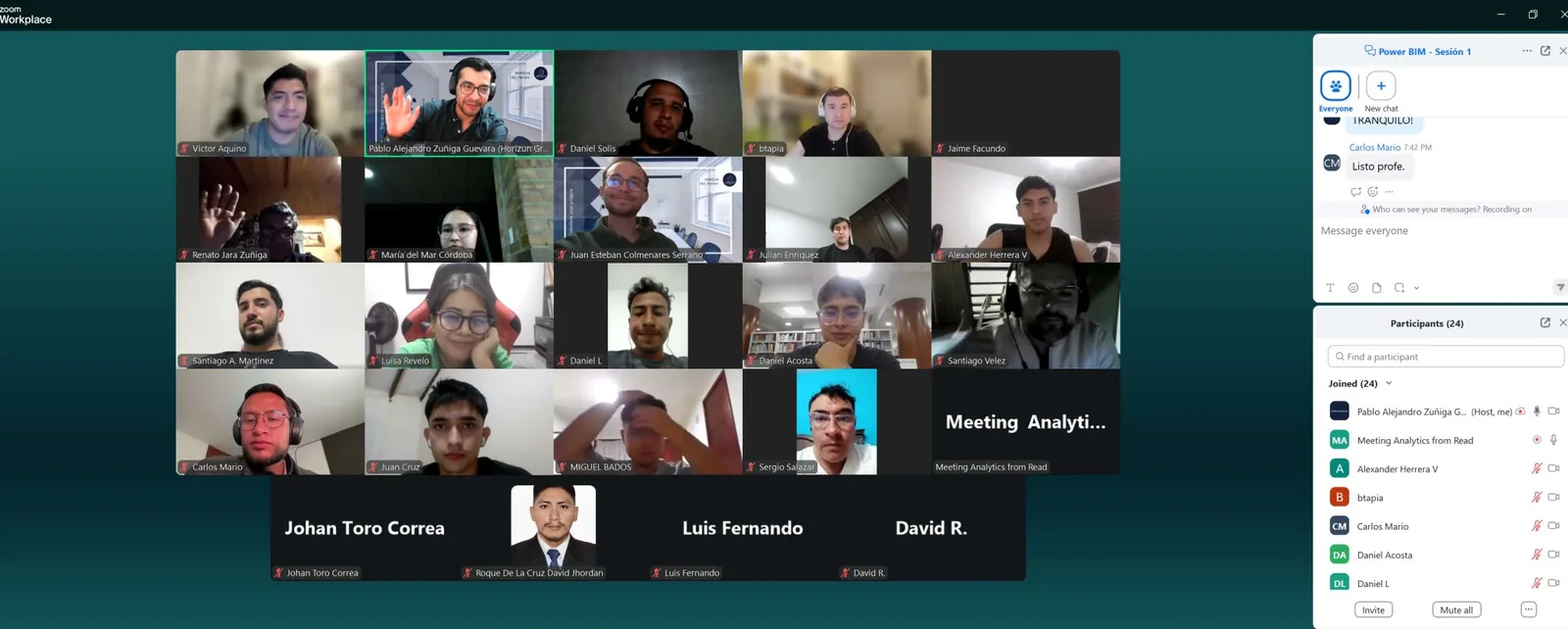
Technical sessions

Online review connected to real project workflows.

Power BIM combines live sessions, recorded resources, and applied exercises to connect models, schedules, quantities, costs, and dashboards.

Use cases

Where Power BIM creates practical value.

4D/5D reporting

Connect schedules, quantities, costs, and models to build reports that support project control and decision-making.

BIM data preparation

Structure parameters, categories, and model outputs before moving information into Power BI.

Internal capability

Enable teams to maintain reporting workflows, review models, and adapt dashboards to real project needs.

FAQ

Common questions about Power BIM.

What is Power BIM 4D/5D?

Power BIM is a BIM + data workflow for connecting model data, schedules, quantities, costs, and Power BI dashboards into practical 4D/5D project-control workflows.

Is Power BIM only about Power BI?

No. Power BI is the reporting layer, but the workflow also depends on BIM data preparation, Revit, Civil 3D, InfraWorks, schedules, quantities, model quality, and cost logic.

Who should take Power BIM?

Power BIM is useful for BIM managers, modelers, project-control teams, construction professionals, architects, engineers, and AEC companies building internal reporting capability.

Can Power BIM support corporate teams?

Yes. Horizun can adapt Power BIM around the company's software stack, current skill level, reporting needs, and project-control objectives.

Does Power BIM include model quality and dashboard logic?

Yes. The program connects model quality, data preparation, 4D/5D logic, Power BI reporting, and practical project-control outputs.

How is BIM Para Todos connected to Power BIM?

BIM Para Todos supports Horizun's public knowledge work around BIM, Power BI, automation, AI, and construction technology.

Power BIM 4.0 System

Start with a focused Power BIM conversation.

Discuss Power BIM